v2.13.0
X-Dispatch for Mac
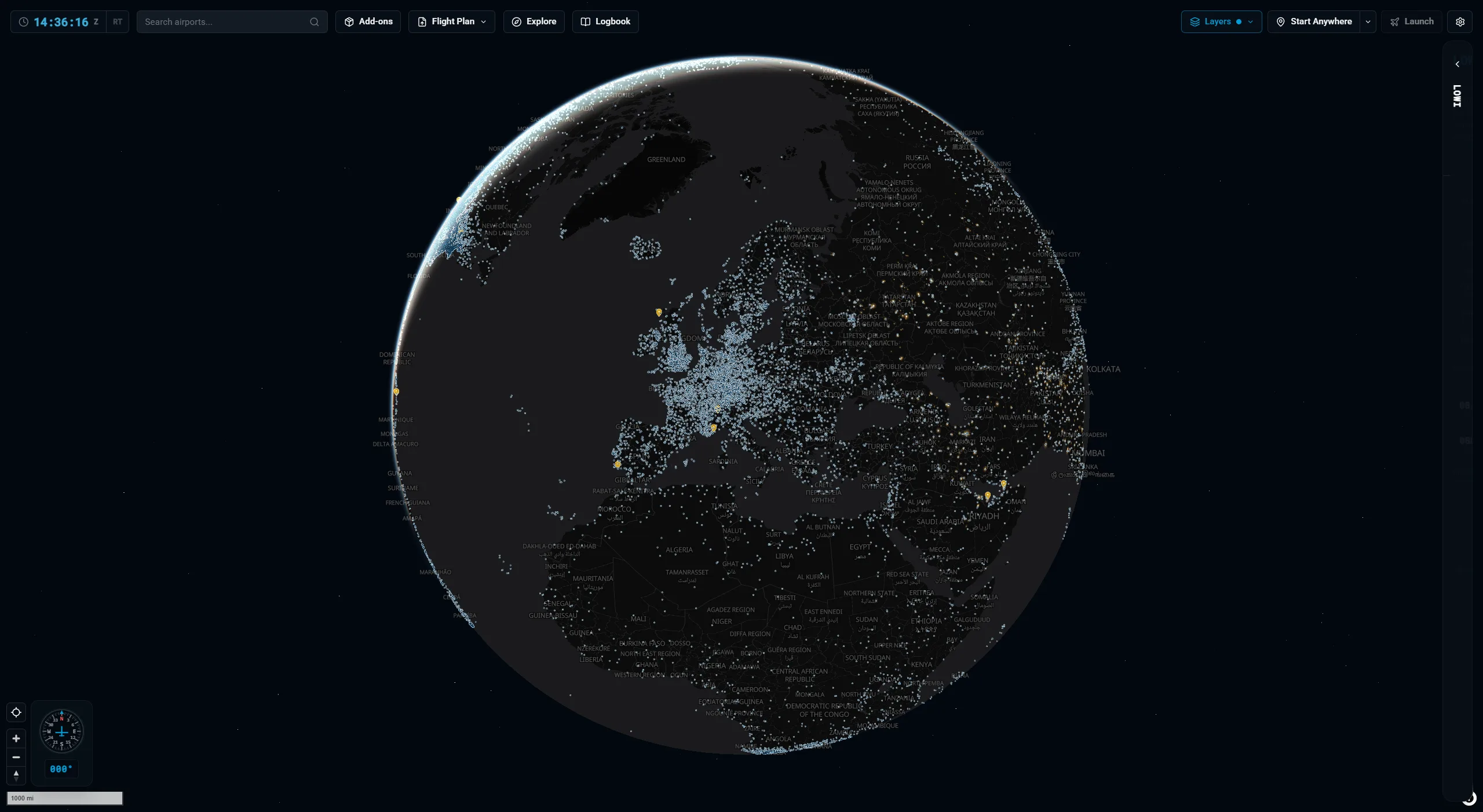
Native builds for Apple Silicon and Intel. Plan on real airways, browse every X-Plane airport on a 3D globe, import SimBrief, launch X-Plane with the flight set up, and keep your add-ons in order. Free, no account.
Pick your Mac
- Apple SiliconM1, M2, M3, M4 and newer.X-Dispatch-2.13.0-mac-apple-silicon.dmg · 154.6 MB
- IntelIntel-based Macs from 2020 and earlier.X-Dispatch-2.13.0-mac-intel.dmg · 160.9 MB
Not sure which one? Click the Apple menu, then About This Mac. "Chip: Apple M1" or newer means Apple Silicon. "Processor: Intel" means Intel.
First launch on macOS
X-Dispatch is not code-signed with an Apple developer certificate yet, so macOS blocks the first launch. One Terminal command clears it. You only do this once per install.
- Open the downloaded .dmg and drag X-Dispatch into the Applications folder.
- Open Terminal (press Cmd+Space, type Terminal, press Enter).
- Paste this line and press Enter:
sudo xattr -rd com.apple.quarantine /Applications/X-Dispatch.app - Type your Mac password when asked. Nothing shows while you type. That is normal.
- Open X-Dispatch from Applications and point it at your X-Plane 12 folder.
The command removes the quarantine flag macOS puts on downloaded apps. It does not change anything else on your Mac.
What you need
- X-Plane 12.4 or later, installed on the same Mac. X-Dispatch reads your X-Plane folder for airports, nav data and aircraft.
- macOS 11 Big Sur or later.
- About 400 MB of disk space for the app and its airport database.
Updates take care of themselves
After the first launch, X-Dispatch checks for new versions and installs them in place. Settings, About shows what the updater is doing and has a Check for updates button. Betas are opt-in there too.
- SHA-256 · Apple Silicon
- 72b89d48f6176b2e018de8eef57e0fc1be58f23dbb85896f73dd40f8b04dcbe0
- SHA-256 · Intel
- 8a5a8e472479e9cbe68f907c8341508ef1a79d4513a4006df8eacadc213915bd
Mac questions
Is there a universal build?
No, there are two native builds. Apple Silicon Macs should use the Apple Silicon .dmg; it runs faster and uses less memory than Intel code under Rosetta. Intel Macs use the Intel .dmg.
macOS says the app is damaged or cannot be opened. What now?
That is the quarantine flag on an unsigned download. Run the Terminal command above once, then open the app again. If it still fails, ask in Discord rather than retrying random commands.
Does it work with the Steam version of X-Plane 12?
Yes. X-Dispatch detects Steam installs and you can add several X-Plane folders under Settings, X-Plane and switch between them.
Can I run X-Dispatch on an iPad with a Mac?
Yes. Switch on Tablet access under Settings, scan the QR code with the iPad, and X-Dispatch opens in Safari on the same network. The Mac does the work; the iPad is a second screen.
Where does the Mac build come from?
Every release is built from the same source as the Windows and Linux versions and published with its SHA-256 hash on the download page, so you can verify the file you got.